

![Banner [BCM] [E3] [BCS] [T3] Minimum Resources Required during a Disaster](https://no-cache.hubspot.com/cta/default/3893111/8969ce47-38c2-4b89-88da-727979f12c39.png)
CBF-8 IT and Digital Learning Systems
![[BCM] [KL] [E3] [BCS] [T3] [CBF] [8] Minimum Resources Required during a Disaster](https://no-cache.hubspot.com/cta/default/3893111/d6c89012-edca-462c-b229-210d2a454ea3.png) The continuity of IT and Digital Learning Systems (CBF-8) is critical to Kinderland’s ability to sustain teaching operations, protect sensitive child and staff data, and support administrative and centre-level functions during a disruption.
The continuity of IT and Digital Learning Systems (CBF-8) is critical to Kinderland’s ability to sustain teaching operations, protect sensitive child and staff data, and support administrative and centre-level functions during a disruption.
These systems underpin digital learning delivery, cybersecurity, infrastructure availability, and user support across Kinderland centres.
This section identifies the minimum resources required during a disaster to ensure that essential IT and digital learning sub-functions can be recovered and sustained within defined recovery time objectives.
The resources outlined reflect a minimum survivability posture, enabling Kinderland to maintain safe, compliant, and functional digital operations until normal conditions are restored.
![Banner [Table] [BCM] [E3] [BCS] [T3] Minimum Resources Required during a Disaster](https://no-cache.hubspot.com/cta/default/3893111/7456e7dd-9e1f-4c07-a6f9-a39e58f74746.png)
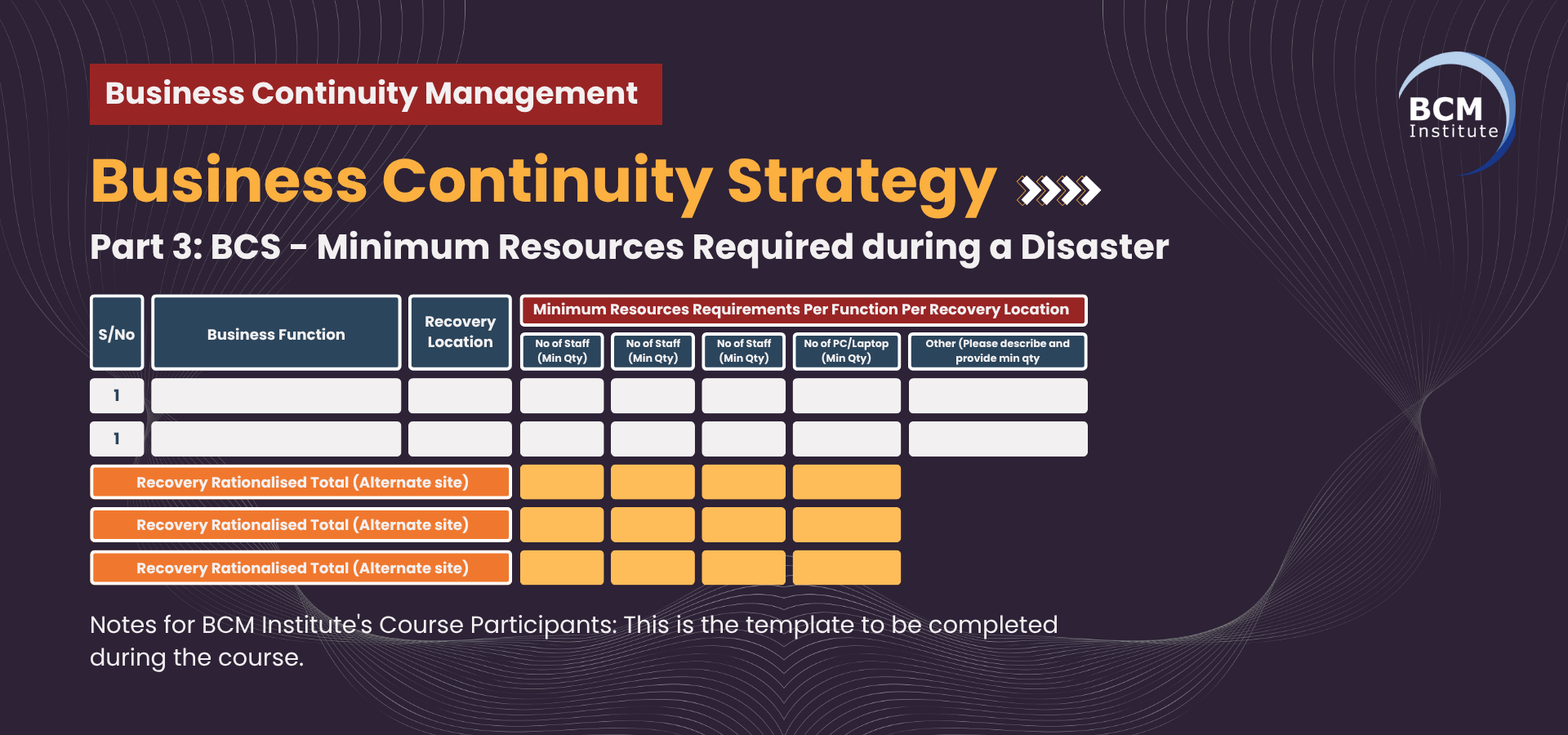
Table S3: Minimum Resources Required During a Disaster for CBF-8
|
Sub-CBF Code |
Sub-CBF |
Recovery Location |
Minimum Resource Requirements Per Function Per Recovery Location |
Number of Staff (Min Qty) |
No of Seats (Min Qty) |
No of Tel (Min Qty) |
No of PC/Laptops (Min Qty) |
Others (Pls describe and provide min qty) |
|
8.1 |
Digital Learning Platform Management |
Head Office / Cloud |
Platform administration, user access management, system monitoring |
2 |
2 |
2 |
2 |
LMS admin access (2), secure internet links (1) |
|
8.2 |
Data Protection and Privacy Management |
Head Office |
Data governance oversight, PDPA compliance monitoring, and incident response |
1 |
1 |
1 |
1 |
Encrypted storage access (1), DLP tools (1) |
|
8.3 |
IT Infrastructure Support |
Head Office / DR Site |
Network, server, and endpoint monitoring and recovery |
2 |
2 |
2 |
2 |
Network admin console (1), VPN access (2) |
|
8.4 |
Cybersecurity Measures |
Head Office |
Threat detection, security monitoring, and access control enforcement |
1 |
1 |
1 |
1 |
SIEM access (1), MFA tokens (1) |
|
8.5 |
Digital Learning Content Creation & Management |
Head Office / Remote |
Content updates, lesson uploads, and curriculum support |
2 |
2 |
2 |
2 |
Content authoring software licences (2) |
|
8.6 |
Technical Support and Help Desk Services |
Head Office / Remote |
User support for educators and centres, issue resolution |
2 |
2 |
2 |
2 |
Ticketing system access (2), headset sets (2) |
|
8.7 |
Cloud Storage and Backup Systems |
Cloud / DR Site |
Data backup validation, restore operations, and storage monitoring |
1 |
1 |
1 |
1 |
Cloud admin access (1), backup verification tools (1) |
|
8.8 |
IT and Digital Learning Systems Integration |
Head Office |
Integration between LMS, HR, finance, and centre systems |
1 |
1 |
1 |
1 |
API management tools (1), system documentation (1) |
![Banner [BCM] [E3] [BCS] [Summing Up] [T3] Minimum Resources Required during a Disaster](https://no-cache.hubspot.com/cta/default/3893111/6cebfa28-ed8a-49d6-8978-797c3a577f9e.png)
The minimum resource requirements defined in this section ensure that Kinderland’s IT and Digital Learning Systems can remain operational and secure during disruptive events.
By identifying essential staffing levels, workspaces, communication tools, and technology assets for each sub-function, Kinderland is better positioned to support educators, safeguard sensitive information, and maintain digital service availability across its centres.
These requirements form a critical input into Kinderland’s broader Business Continuity and Disaster Recovery planning, enabling informed decision-making on resource prioritisation, alternate work arrangements, and technology resilience.
Regular review and validation of these minimum resource levels will help ensure ongoing readiness in the face of evolving operational and cyber risks.
|
Building a Resilient Kinderland: A Practical Guide to Business Continuity Management |
||||||
| eBook 3: Starting Your BCM Implementation |
||||||
 |
 |
 |
 |
 |
 |
 |
| CBF-8 IT and Digital Learning Systems |
||||||
| DP | BIAQ T1 | BIAQ T2 | BIAQ T3 | BCS T2 | BCS T3 | PD |
![[BCM] [KL] [E3] [BIA] [DP] [CBF] [8] IT and Digital Learning Systems](https://no-cache.hubspot.com/cta/default/3893111/2d6aa780-0331-4a0f-842a-93b5998d1deb.png) |
![[BCM] [KL] [E3] [BIA] [T1] [CBF] [8] IT and Digital Learning Systems](https://no-cache.hubspot.com/cta/default/3893111/02f9cb5e-c58c-4865-ab11-5e44b4317701.png) |
![[BCM] [KL] [E3] [BIA] [T2] [CBF] [8] IT and Digital Learning Systems](https://no-cache.hubspot.com/cta/default/3893111/9fc81291-6a08-4ef4-b2d1-6bd945633947.png) |
![[BCM] [KL] [E3] [BIA] [T3] [CBF] [8] IT and Digital Learning Systems](https://no-cache.hubspot.com/cta/default/3893111/94a942ae-1f7e-43a1-93f8-593c1ef48954.png) |
![[BCM] [KL] [E3] [BCS] [T2] [CBF] [8] BCS Recovery Strategy](https://no-cache.hubspot.com/cta/default/3893111/795ade55-8c15-4508-89c4-f88dedcc520e.png) |
|
![[BCM] [KL] [E3] [PD] [CBF] [8] IT and Digital Learning Systems](https://no-cache.hubspot.com/cta/default/3893111/d82ee9a3-1adc-41eb-86bb-41947402f3e2.png) |
More Information About Business Continuity Management Courses
To learn more about the course and schedule, click the buttons below for the BCM-300 Business Continuity Management Implementer [BCM-3] and the BCM-5000 Business Continuity Management Expert Implementer [BCM-5].


![Register [BL-B-3]*](https://no-cache.hubspot.com/cta/default/3893111/ac6cf073-4cdd-4541-91ed-889f731d5076.png)



![FAQ [BL-B-3]](https://no-cache.hubspot.com/cta/default/3893111/b3824ba1-7aa1-4eb6-bef8-94f57121c5ae.png)
![Email to Sales Team [BCM Institute]](https://no-cache.hubspot.com/cta/default/3893111/3c53daeb-2836-4843-b0e0-645baee2ab9e.png)


